See and speak
Make a family call with large, clear controls. Share a moment, check in, or simply be together from wherever you are.
 Family Circle
FOR FAMILIES WHO CARE
Family Circle gives caregivers and older relatives one calm, private place to call, share updates, enjoy photos, and ask for help when it is wanted.
WHAT IT IS
Family Circle is for adult family members who want to support an older relative without taking over. It brings the conversation, shared reminders, photos, and practical help into one easy-to-use family space.
HOW IT HELPS
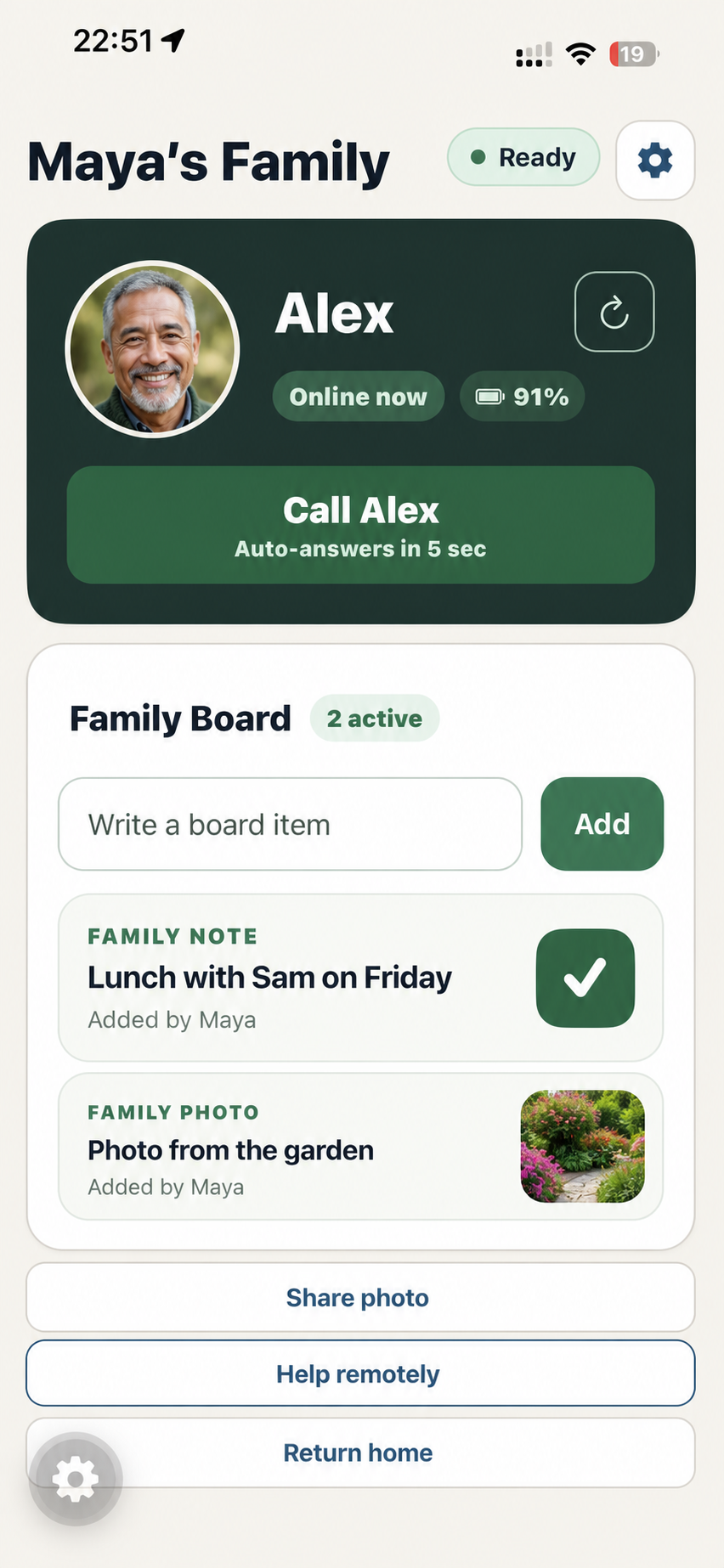
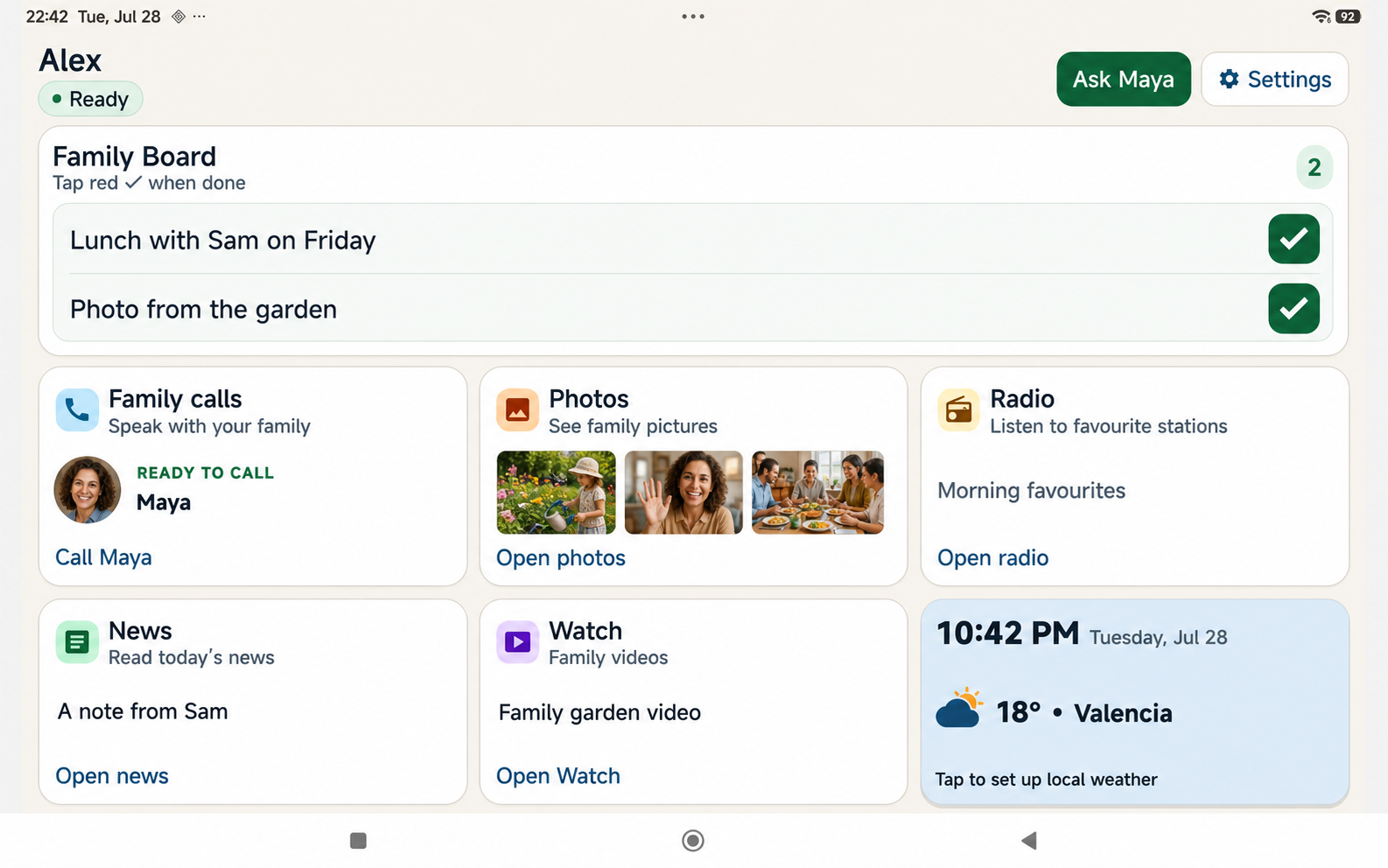
Make a family call with large, clear controls. Share a moment, check in, or simply be together from wherever you are.
Use the shared Board for everyday updates, messages, photos, and things the family wants to remember.
When someone asks for help, Remote Help can let a trusted relative look at the problem together. The person receiving help stays in charge and can stop at any time.
MADE FOR REAL FAMILY MOMENTS
Family Circle keeps everyday support simple: a familiar face to call, a shared Board for plans and reminders, and photos that make a day feel closer. The person receiving help always decides when to ask, answer, or stop.
The screens below use a fictional demo family to show how Family Circle can look after it is set up.
THE DIFFERENCE
PRIVATE BY DESIGN
Only approved family devices can join a Family Circle. Family content travels through an encrypted family connection, and calls or screen sharing are not recorded. Remote Help always begins with the person’s approval.
Read the privacy policyREADY WHEN YOU ARE
A Family Manager creates an invitation, the new device scans the QR code, and the Manager approves the pairing. Our support page walks you through it.
Important: Family Circle is not an emergency, medical, or safety-monitoring service. On iPhone, calls and Remote Help work while the app is open and connected.